Ordering Tutorial
We have designed our ordering system to be intuitive and easy to use. However, it is quite different from our previous website's order placement form. If you are having difficulties or have questions about how to place an order, please read through this tutorial. If you still have questions after reading, please send us a message or call us at 713-621-3740.
Table of Contents
Account Creation
Creating an account allows you to view the status of past orders, save shipping addresses, and more.
If you choose, you may skip account creation and instead place an order as a guest. You will still receive email updates about your order status, but you cannot view past orders or save addresses for future use.
Creating an Account
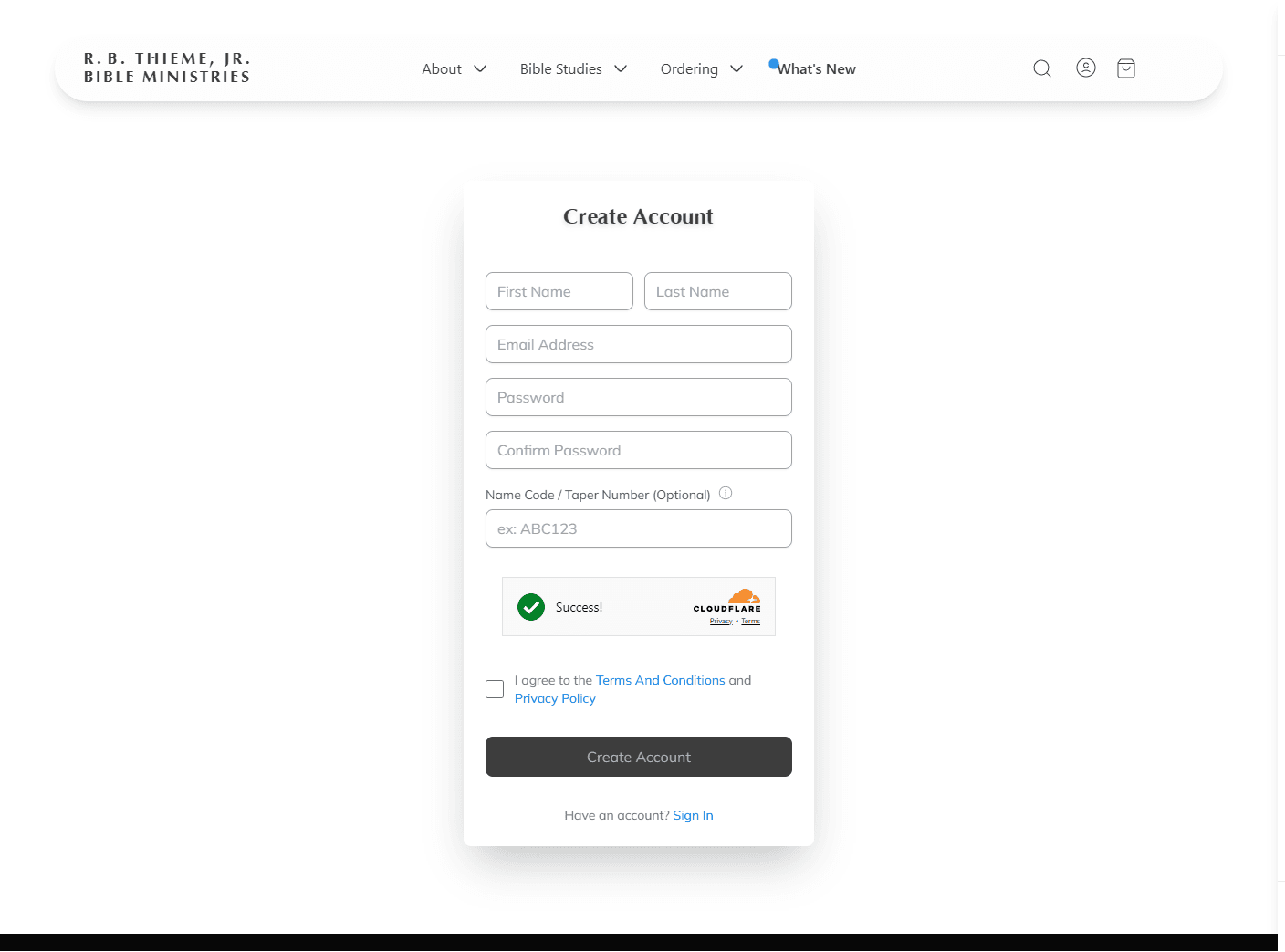
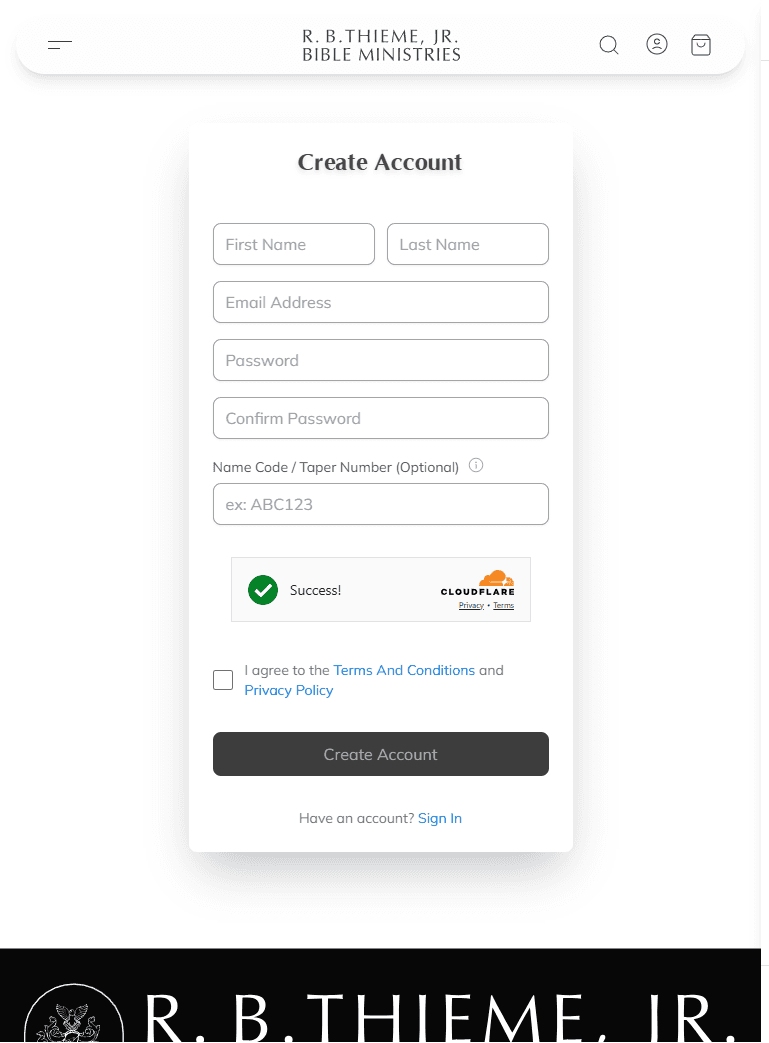
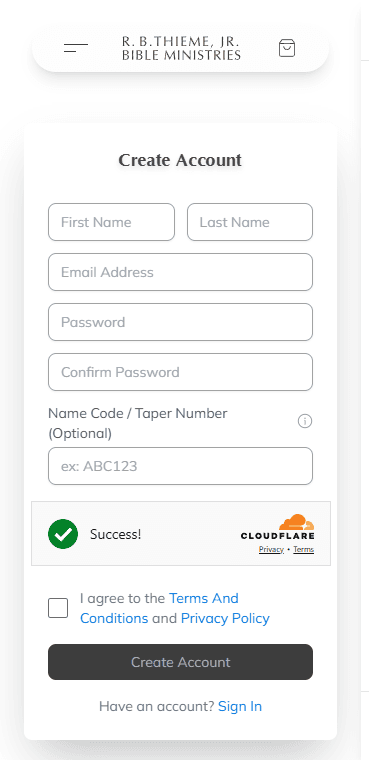
To create an account, tap the person icon in the navigation bar, or visit the Sign Up page directly.use the left button in the navigation bar to open the site menu and tap the Log In button at the bottom. Then tap the Sign Up link at the bottom. Or, visit the Sign Up page directly.
You will be asked to provide your name and email address and create a password. If you have a Name Code or Taper Number from previous correspondence with the ministry, you may enter it during registration, but this is optional.
Signing In
If you already have an account, you can sign in by tapping the person icon in the navigation bar or visiting the Login page. Enter your email address and password to access your account.
Guest Checkout
If you prefer not to create an account, you can place an order as a guest. When you proceed to checkout, you will have the option to continue as a guest by entering just your email address. You will still receive email updates about your order.
Ordering Lessons
Bible class recordings are available in both audio and video. You can browse available lessons by series or subject, search for specific topics, and select the exact lessons you want to order.
Audio Lessons
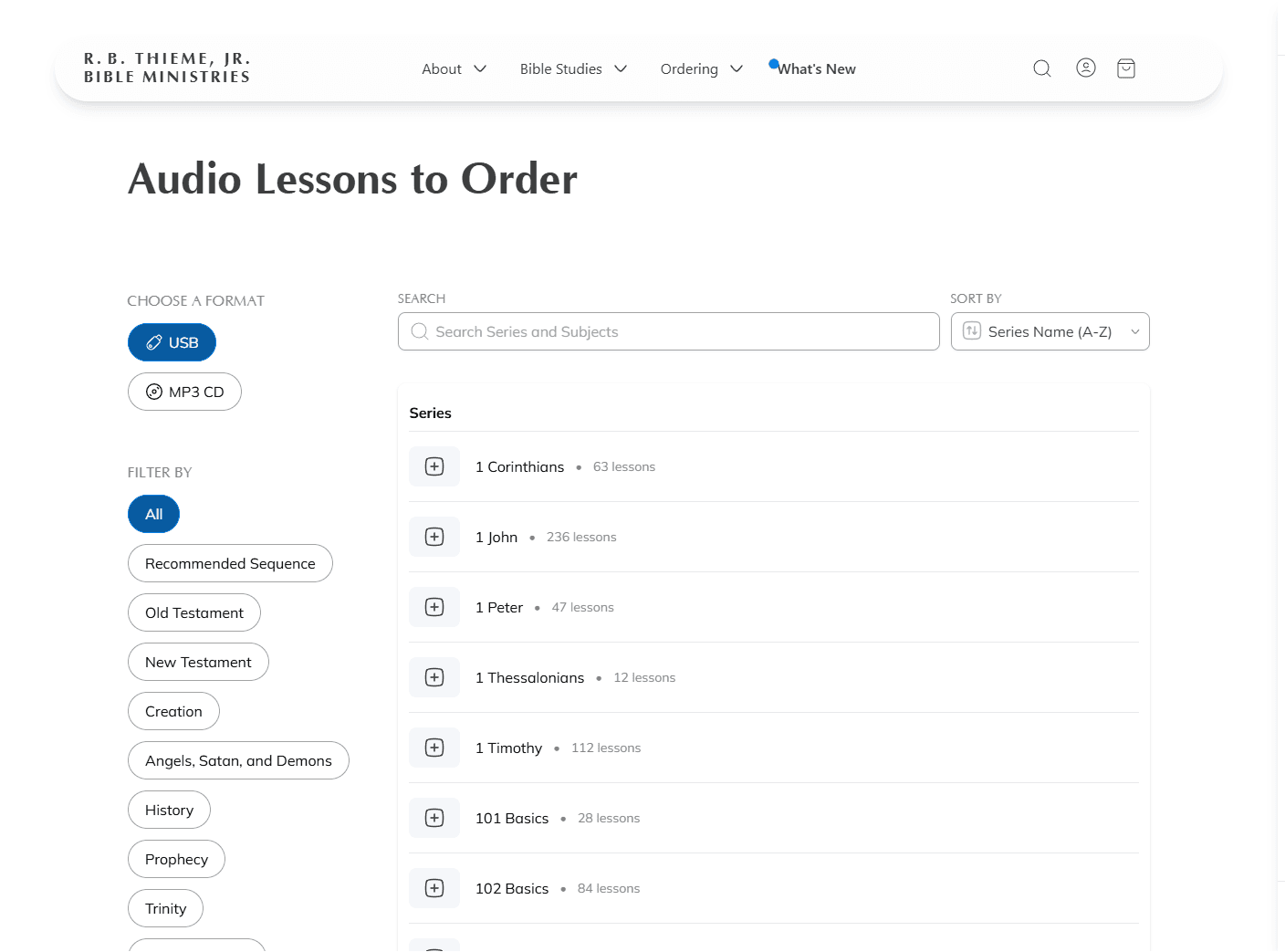
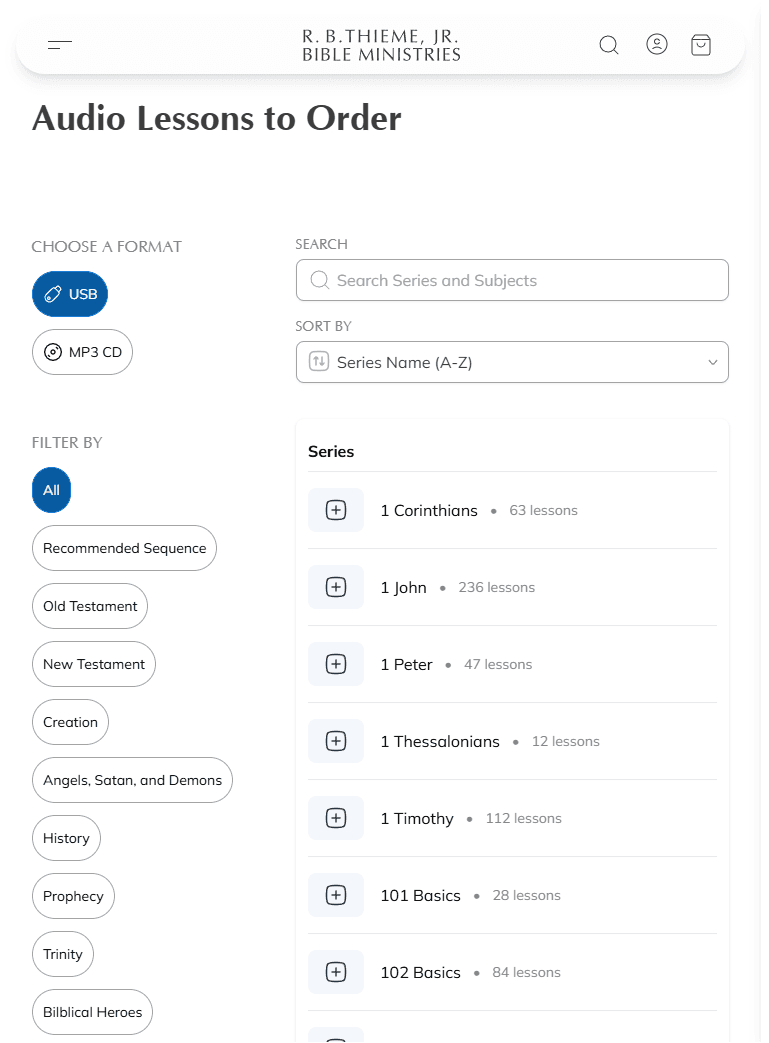
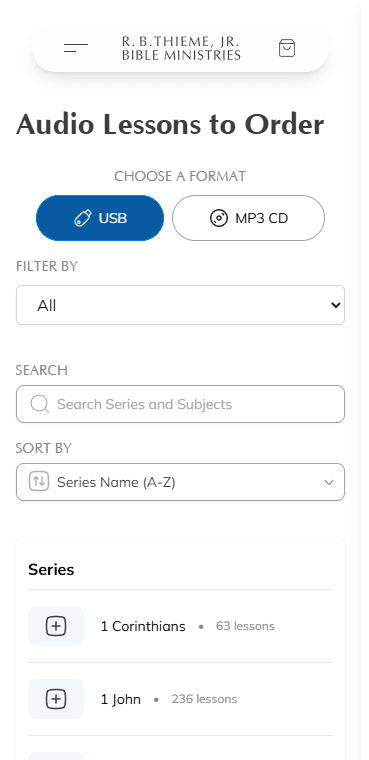
Audio lessons are available on the Audio page. Choose between two formats:
| Format | Monthly Limit |
|---|---|
| MP3 CD | Up to 40 lessons per order |
| USB Audio | Up to 80 lessons per order |
Video Lessons
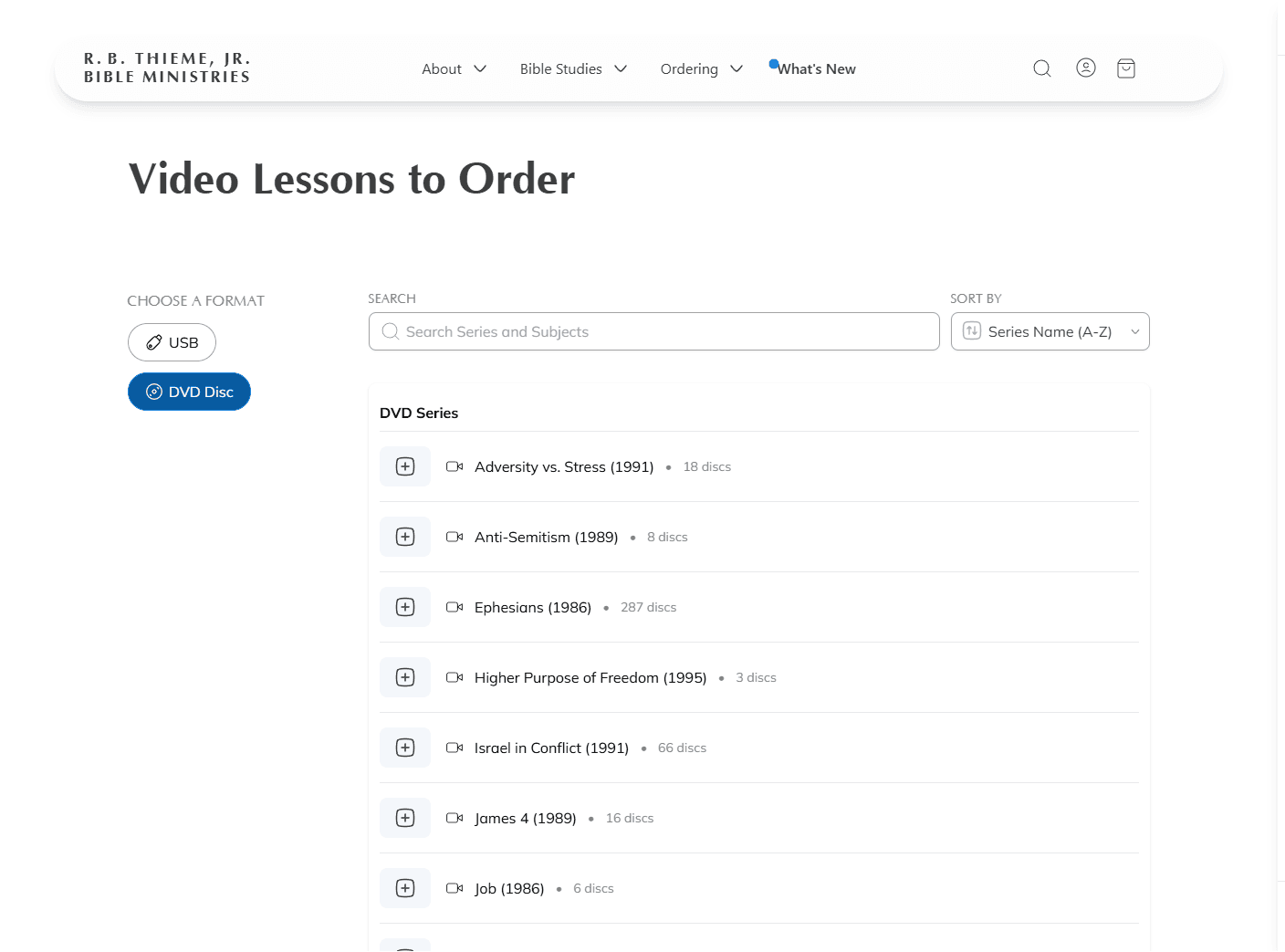
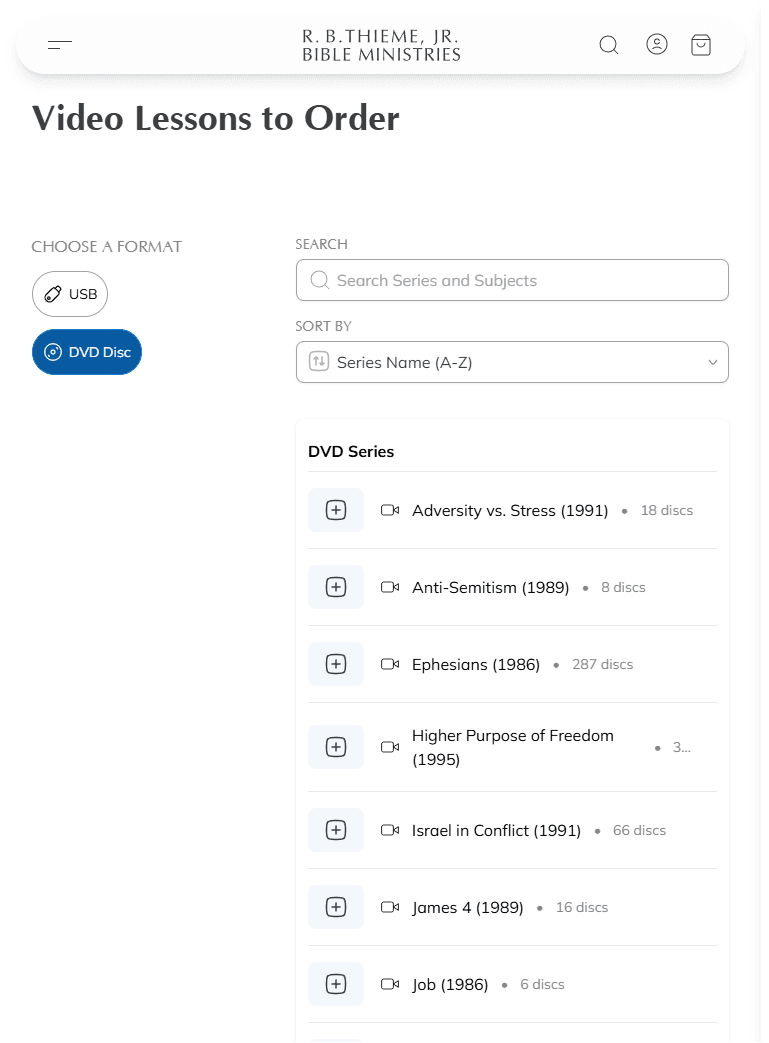
Video lessons are available on the Video Lessons page. You can choose between two formats:
| Format | Monthly Limit |
|---|---|
| USB Video | Up to 28 lessons per order |
| DVD | Up to 8 discs per order (4 lessons on each disc) |
Note: You can, however, get audio lessons in one format and video lessons in another. For example, if you want to order an audio series on MP3 CD, you can also choose a video series on either DVD discs or USB Video.
Browsing and Selecting Lessons
On the Audio or Video pages, you can:
- Search for specific series or subjects using the search box
- Filter by category using the filter options on the left sidebarthe filter dropdown at the top of the page
- Sort the results by name or year taught
- Select a series to view more details like lesson dates and summaries. On this detail page, you can also add individual lessons to your order.
While browsing, make sure that your desired format (MP3 CD or USB for audio, DVD or USB for video) is selected. This affects your maximum ordering limit.
Adding Lessons to Your Order
There are two ways to add lessons to your bag: you can either select them on the series detail page or use the Quick Add button (on the main page) to enter a range of lesson numbers.
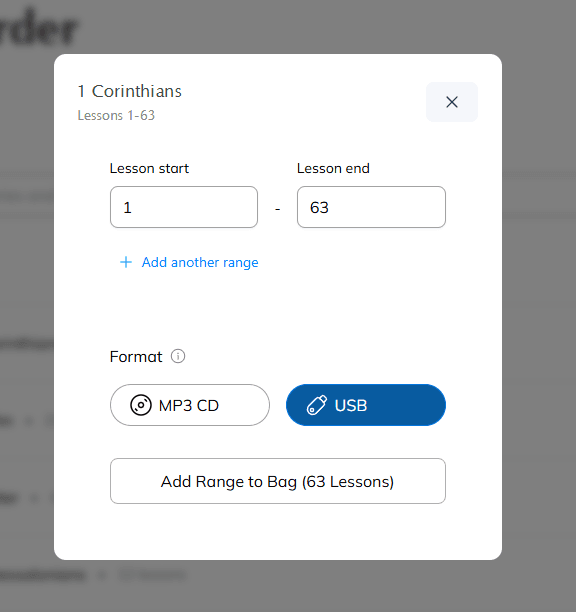
QUICK ADD – The “Quick Add” button, a large plus sign (“+”), appears to the left of the series or subject name. This feature allows you to request a subject or series more efficiently, using just the numbers and without viewing the series details.
If you know the lesson numbers of the subject or series you wish to order, locate the subject or series on the main ordering page and hit the Quick Add button. A screen will pop up allowing you to enter a range of numbers (e.g., lessons 1-40).
If you have selected a subject (a shorter series taken from a main series), those lesson numbers will be filled in for you automatically. The total quantity of lessons shown will reflect your selected format and what's in your bag already.
Make changes to the numbers if needed, then click “Add Range to Bag.”
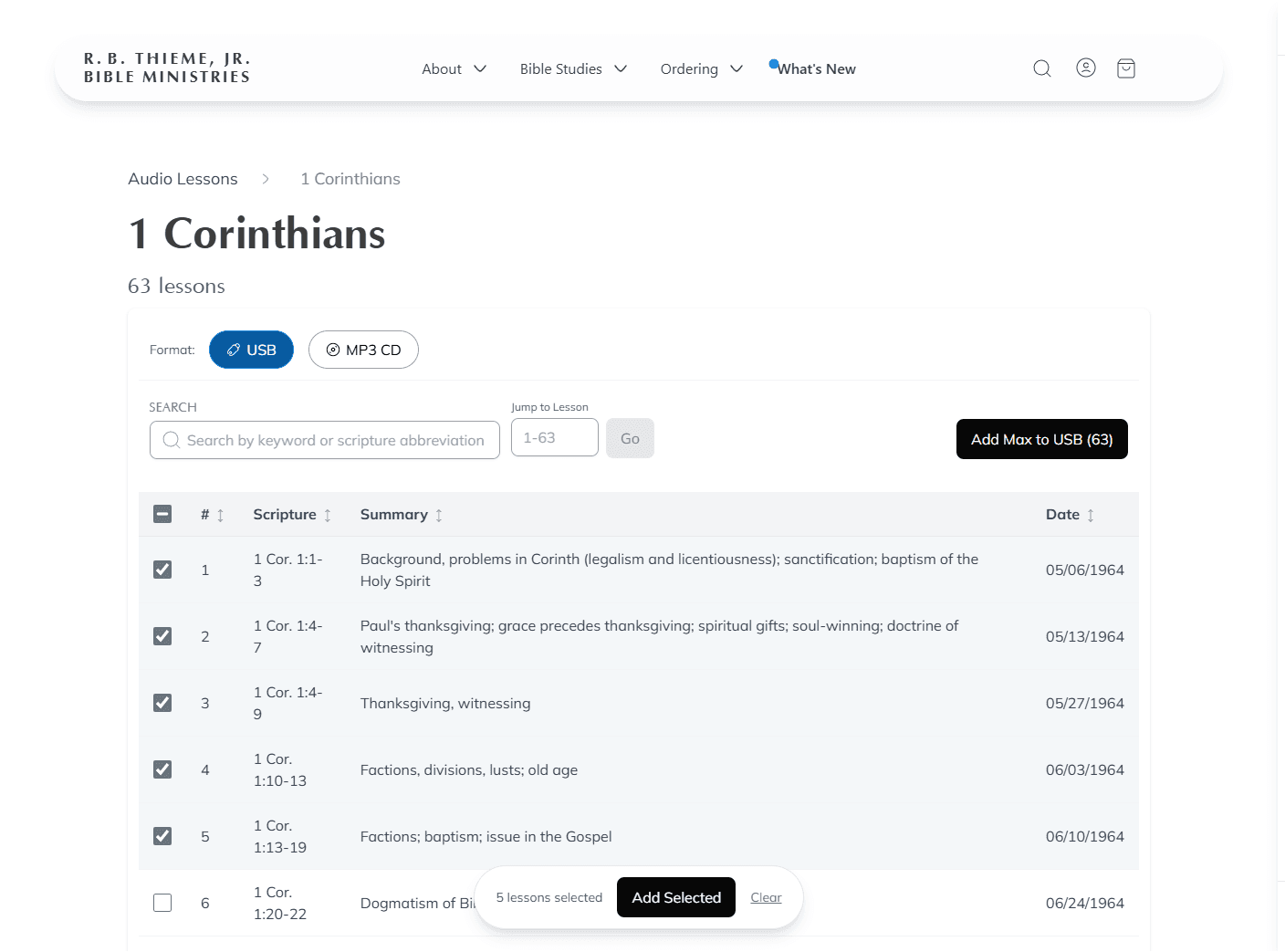
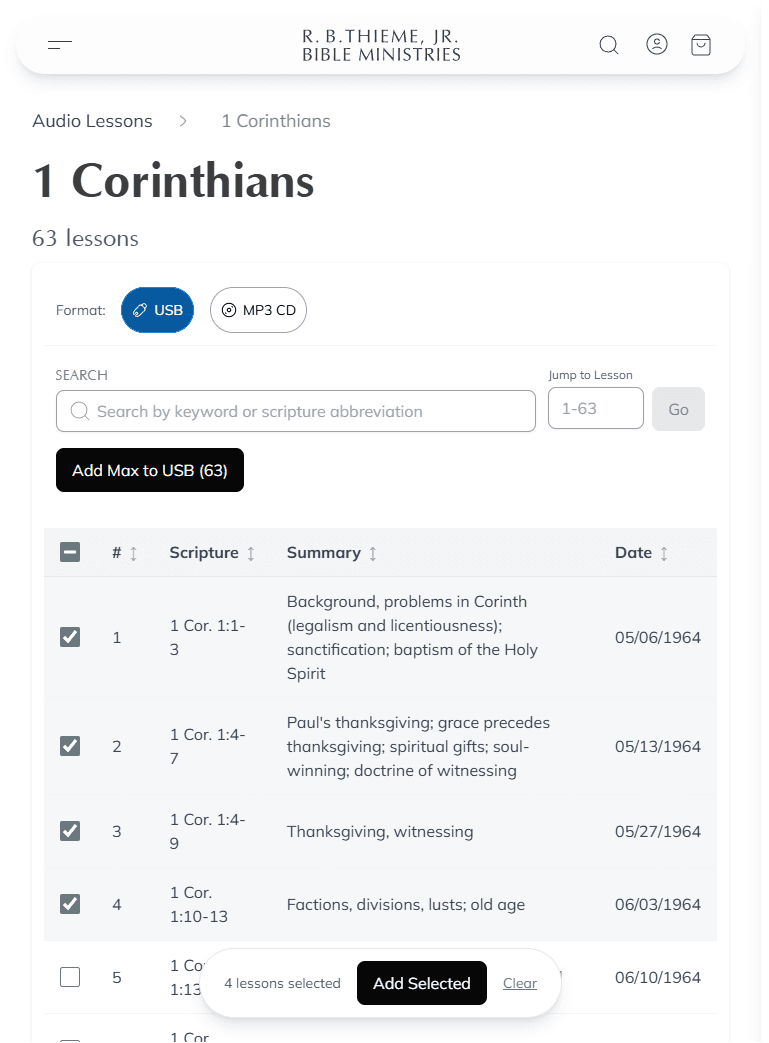
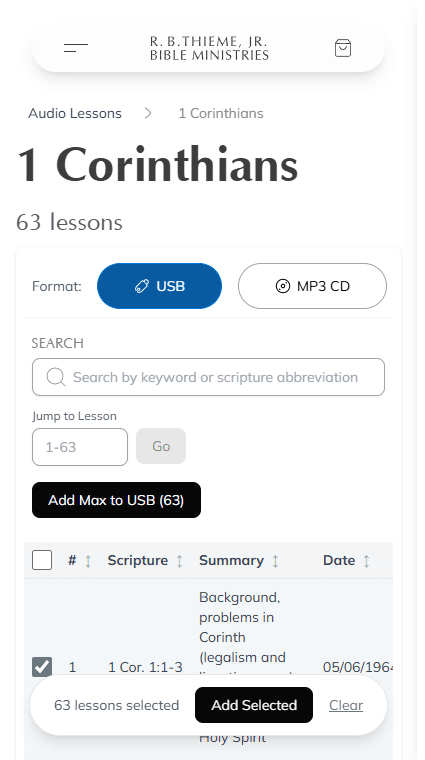
DETAIL PAGE – Click on a subject or series name to open its detail page. Use this page when you don't have specific lesson numbers handy, or you want more information like dates taught, lesson summaries, or Scripture covered. Some series might contain hundreds of lessons – to locate a lesson quickly, without having to scroll down to it, type the lesson number into the “Jump to Lesson” box.
Before adding lessons to your bag, check the top of the page to be sure you have the correct format selected. This affects the maximum number of lessons allowed in your bag.
Use the black “Add All” button to instantly add the maximum allowable lessons to your bag (it will start at the beginning). Or, if you need more flexibility, scroll through the series and tap your desired lessons to select them. An “Add Selected” button will appear at the bottom of the screen. Tap this button whenever you are ready to add those lessons to your bag.
A blue checkmark will appear next to any lessons you have selected. Once they have been added to your bag, those lessons will be highlighted in green.
A Note on DVD Ordering
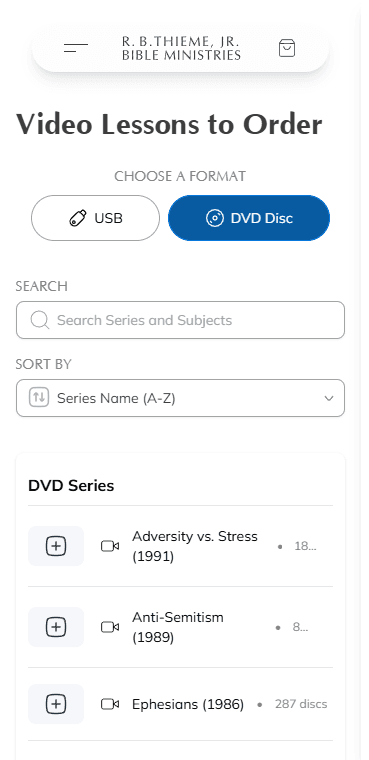
Because DVDs are premade, they are only available by parent series (you will not see subjects listed under the DVD format). When you select “DVD Disc” from the format selector on the Video Lessons page, the listing will show each series along with its total number of discs.
Quick Add for DVDs – The Quick Add dialog for DVDs asks for a Starting DVD and Ending DVD number (rather than lesson numbers). It also displays a preview of the available discs in the selected range, showing which lessons are on each disc. Enter the disc numbers you need, then tap “Add to Bag.”
Detail Page for DVDs – If you click on a series name, the detail page will list every disc in the series. Each disc shows the lessons it contains (including Scripture covered, summaries, and dates taught). Select whole discs using the checkboxes, or use the “Add Max to DVD” button at the top to add the maximum number of discs to your bag at once.
Remember, the DVD limit is 8 discs per order. Since each disc holds approximately four lessons, that comes out to roughly 32 lessons per order on DVD.
Ordering Publications
Books and booklets written by R. B. Thieme, Jr., are available on the Publications page. These publications cover a wide range of doctrinal topics and are excellent companions to the audio and video lessons.
Browsing Publications
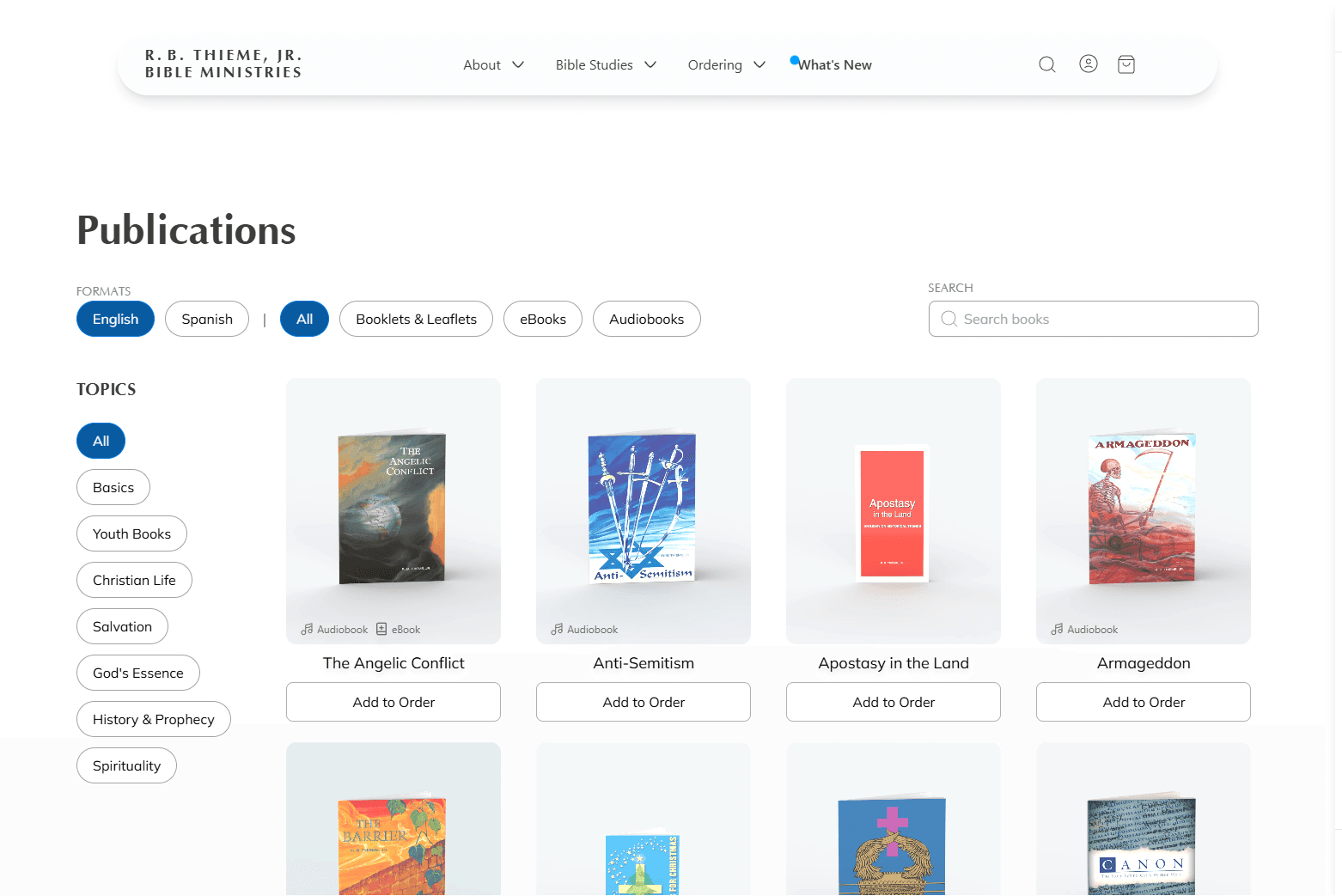
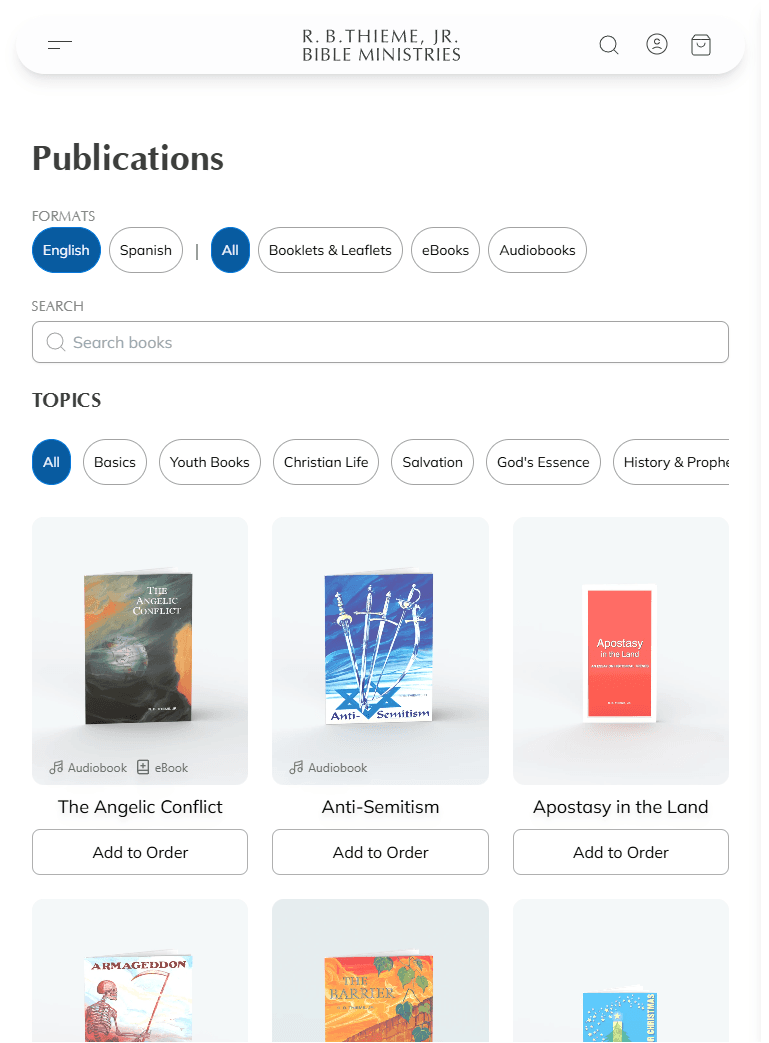
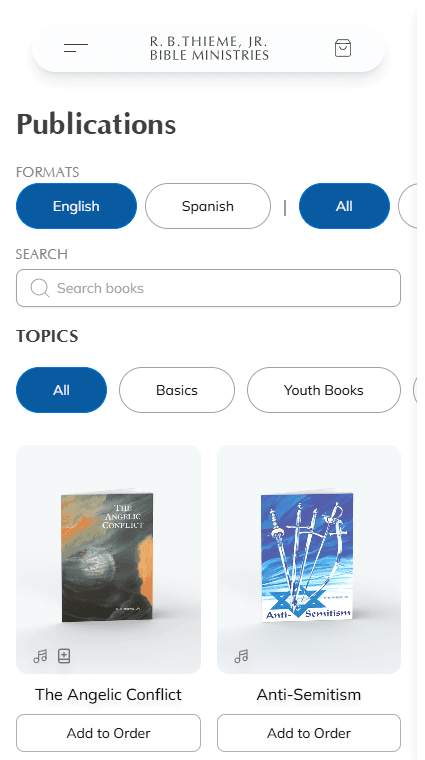
You can filter publications by:
- Format: booklets, eBooks, or audio versions
- Language: English or Spanish
- Topic: basics, salvation, Christian life, and more
You can also search for specific titles using the search box.
Adding Publications to Your Order
Use the quick “Add to Order” button beneath each publication title to rapidly add books to your order. If you would like to see more information about a particular publication, click or tap on the publication title or image.
Publication Limits
| Format | Monthly Limit |
|---|---|
| Books | Up to 20 per order |
| Booklets | Up to 25 per order |
Digital Downloads
All of our publications are available to download as PDFs, and many are also available as eBooks through the Apple Books and Google Play stores. Still others are available as audiobooks. When viewing a publication's page, you will find links to all available digital versions at the bottom of the page, beneath the publication details.
Specials & Audiobooks
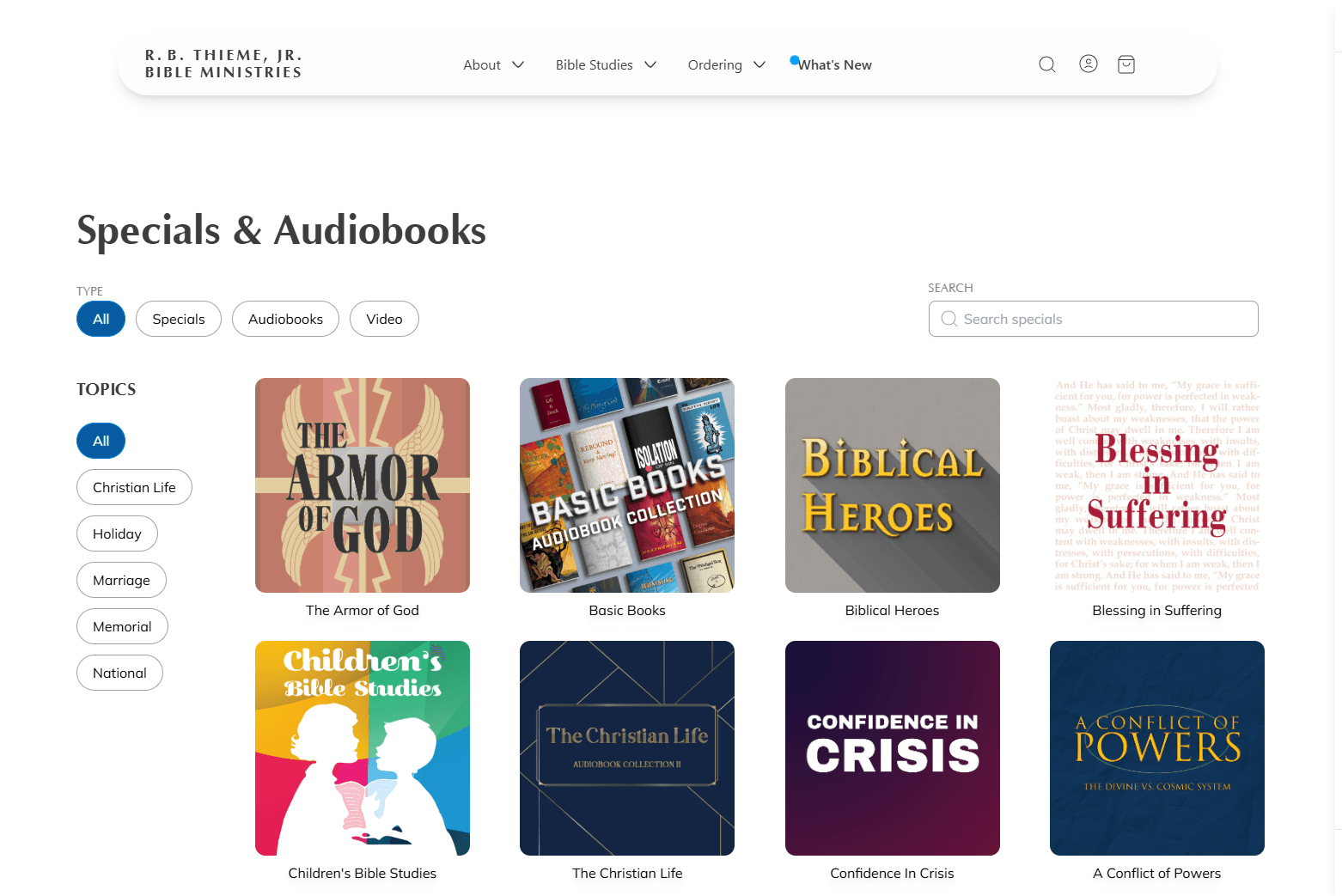
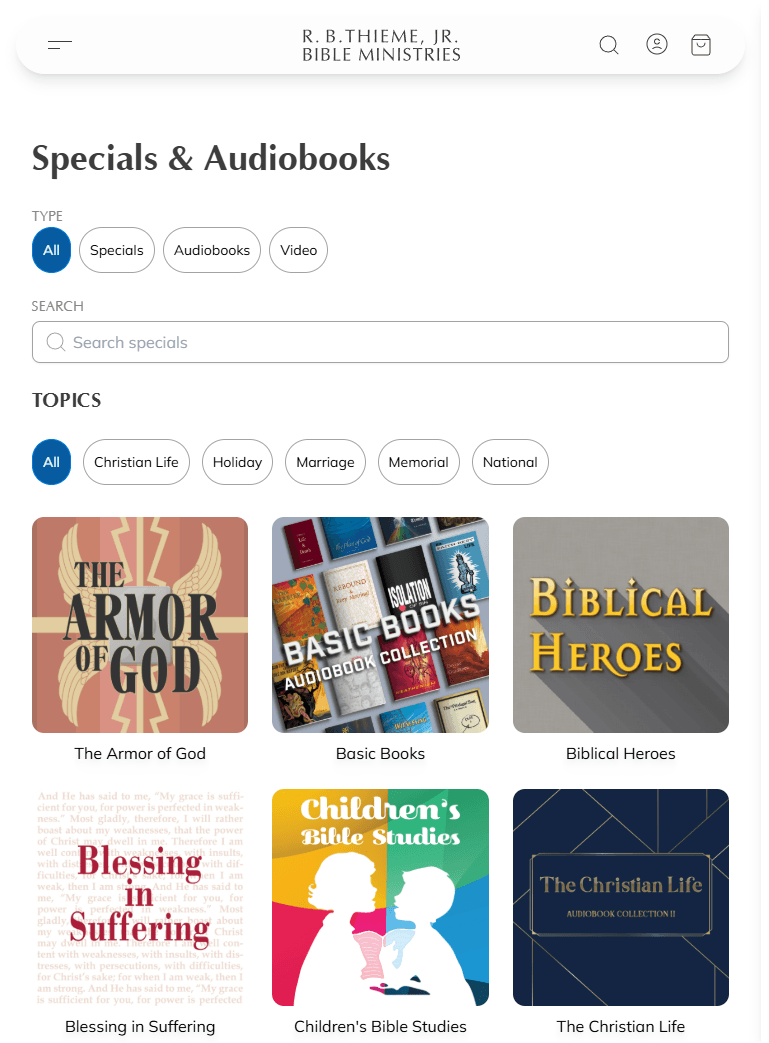
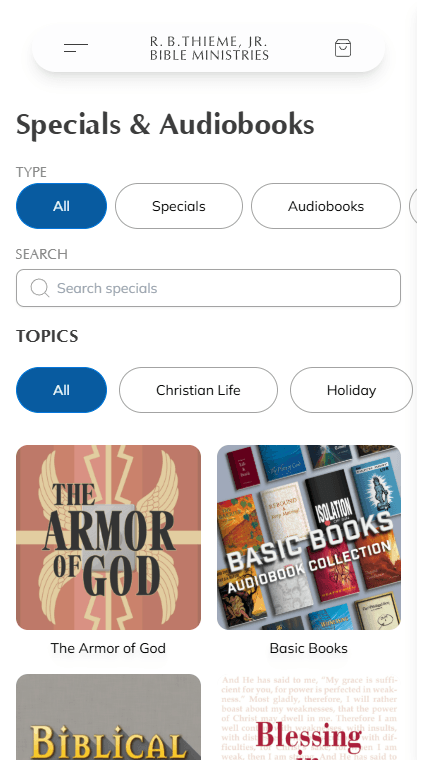
In addition to individual lesson series, we offer special compilation recordings and audiobook versions of our publications. These are available on the Specials & Audiobooks page.
Specials
Specials are curated collections of lessons on specific themes or topics. They are available in the following formats:
| Format | Monthly Limit |
|---|---|
| USB | Up to 2 per order |
| MP3 CD & DVD | Up to 2 per order |
Audiobooks
Audiobooks are narrated audio versions of our publications. They have been compiled into several collections based on broad topics. You may add an audiobook recording to your monthly order in addition to a regular special.
New to the Ministry
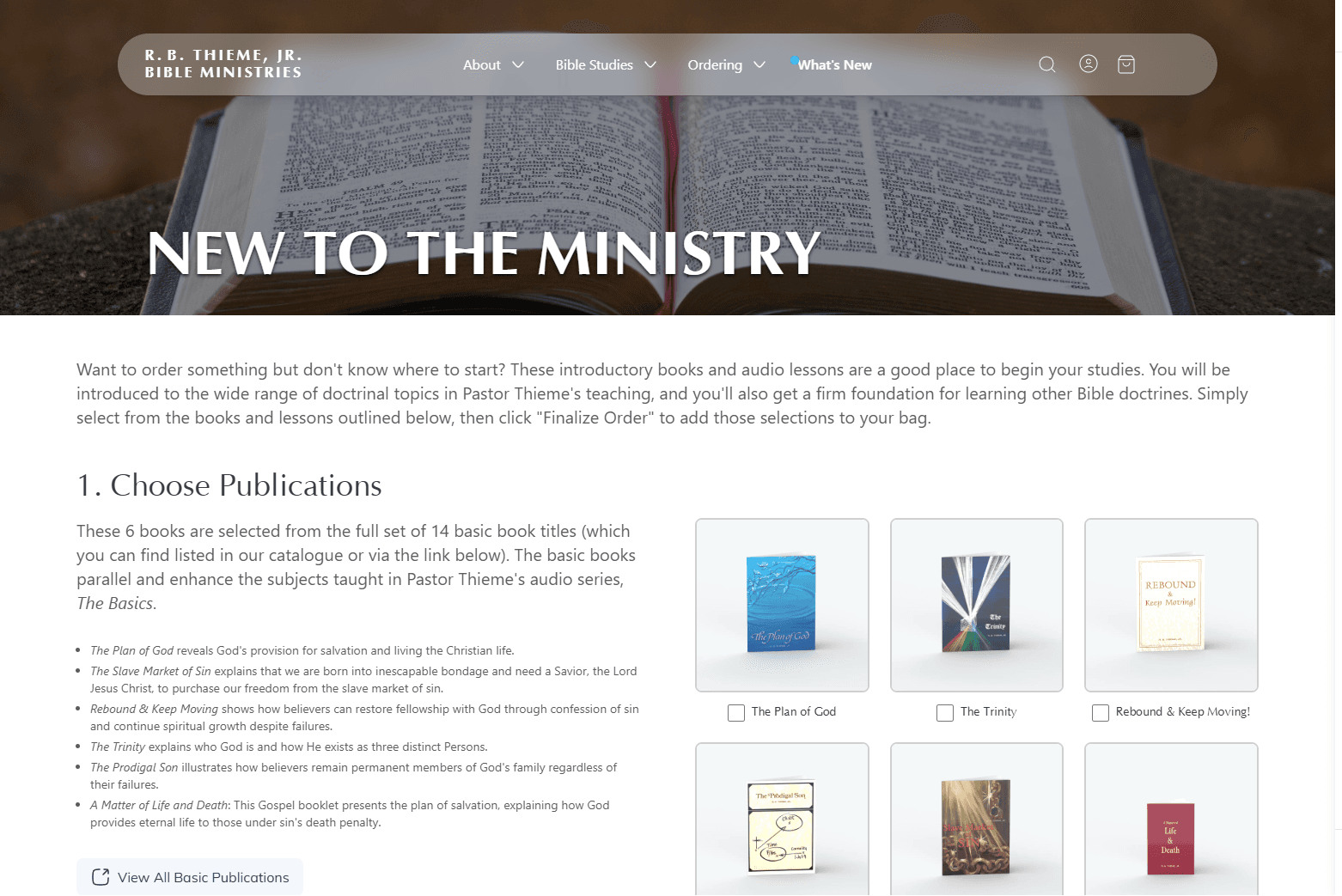
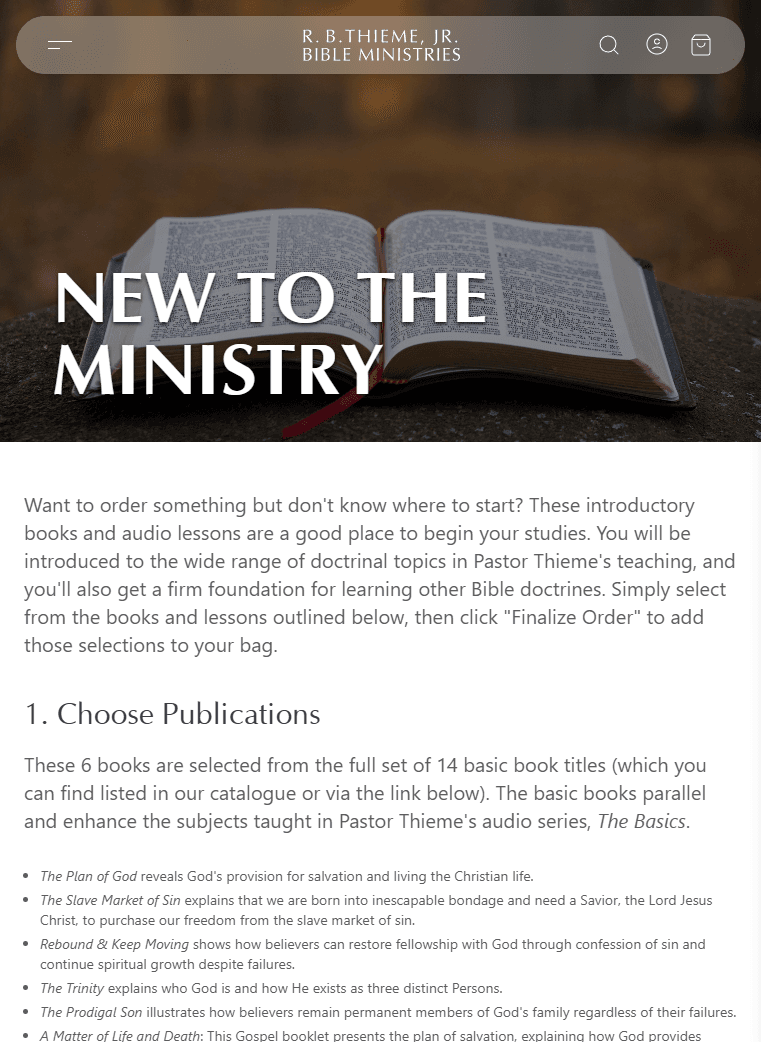
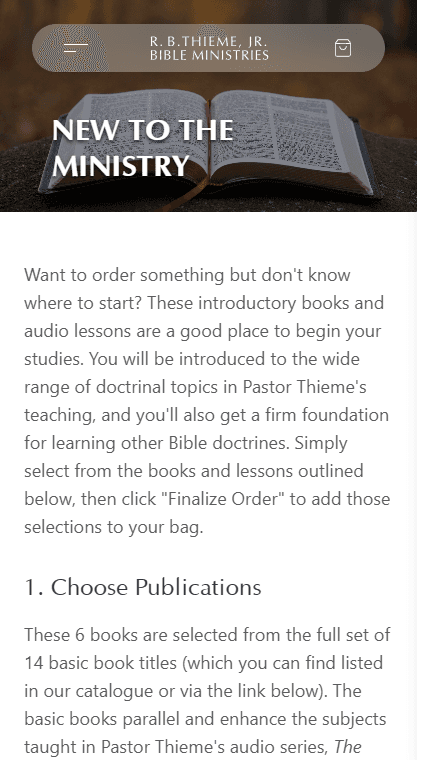
First time ordering? Start with our basic recommended books and lessons, easily accessed on the New to the Ministry page. This page offers a curated selection of introductory materials designed to acquaint you with the terminology and style of Pastor Thieme's teaching, and to provide a solid foundation for learning other Bible doctrines.
This starter package includes:
- Six publications covering foundational doctrines
- The Basics audio series available on MP3 CD (40 lessons) or USB (80 lessons)
- Additional listening options including audiobooks and special compilations
Simply select the items you want, choose your preferred audio format, and tap "Add Selected to Bag" to add everything to your bag at once.
To see all of the audio lessons in our basic recommended sequence, click here.
Your Bag
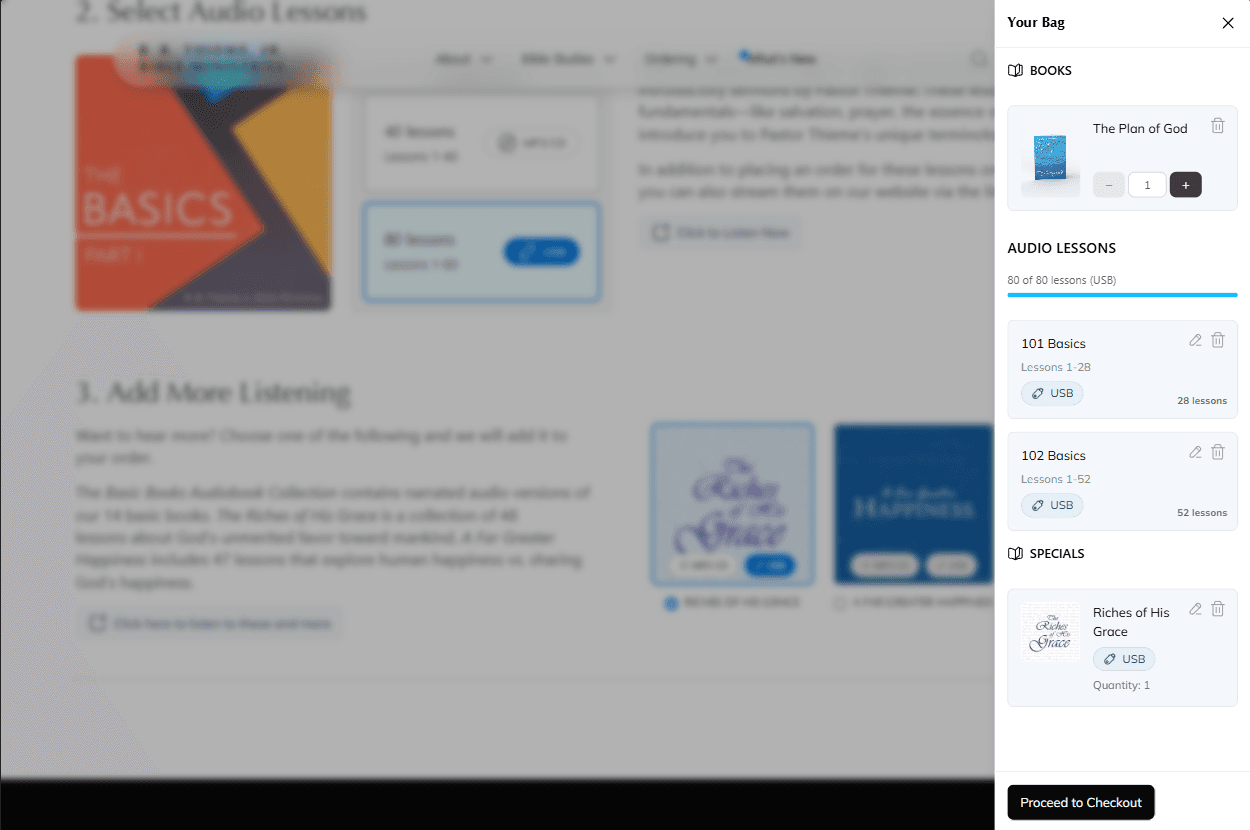
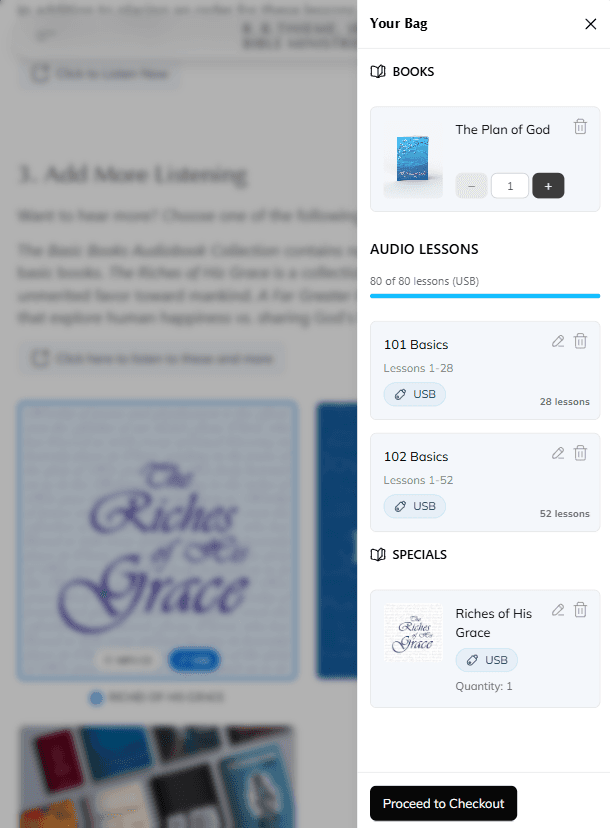
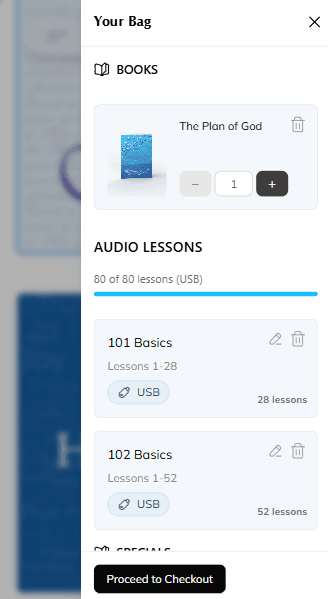
As you add items to your order, they are placed in your bag. View your bag at any time by tapping the bag icon in the navigation bar. Your bag will open full-screen, showing all the items you have selected.
Viewing Your Bag
Your bag displays items organized by type: Books, Audio Lessons, Video Lessons, and Specials. For lesson items, you will see the series name and the range of lessons you have selected.
Editing Items
You can make changes to items in your bag:
- Edit lesson ranges: Tap the edit button (pencil icon) on a lesson item to change the range of lessons
- Adjust quantities: For books and specials, use the plus and minus buttons to change quantities
- Remove items: Tap the delete button (trash icon) to remove an item from your bag
- Change formats: For specials, you can toggle between USB and MP3 CD formats
Proceeding to Checkout
When you are ready to place your order, tap the “Proceed to Checkout” button at the bottom of the bag sidebaryour bag. This will take you to the checkout page where you can review your order and provide delivery details.
Checkout Process
The checkout process allows you to review your order, select a delivery method, and finalize your order.
Accounts
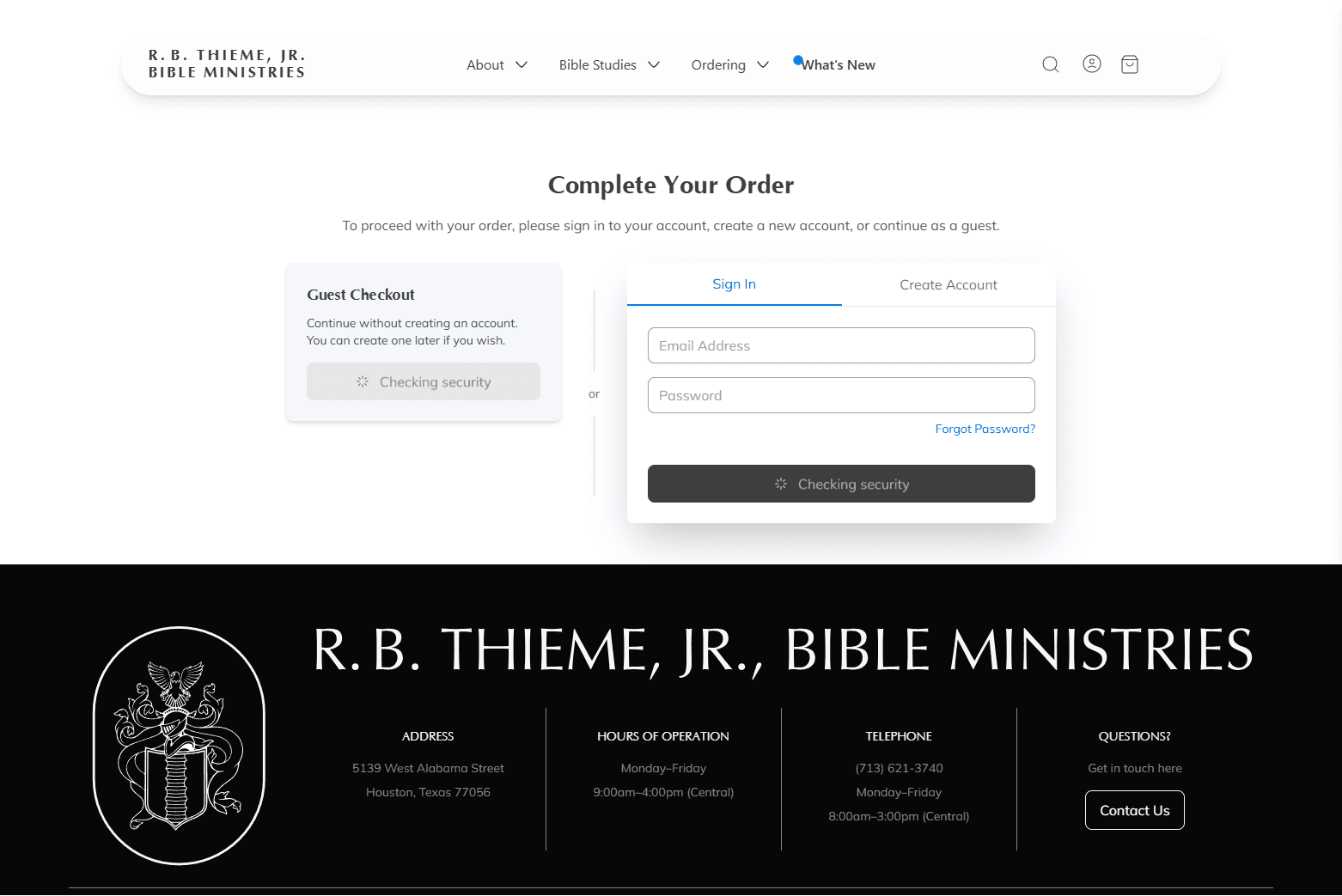
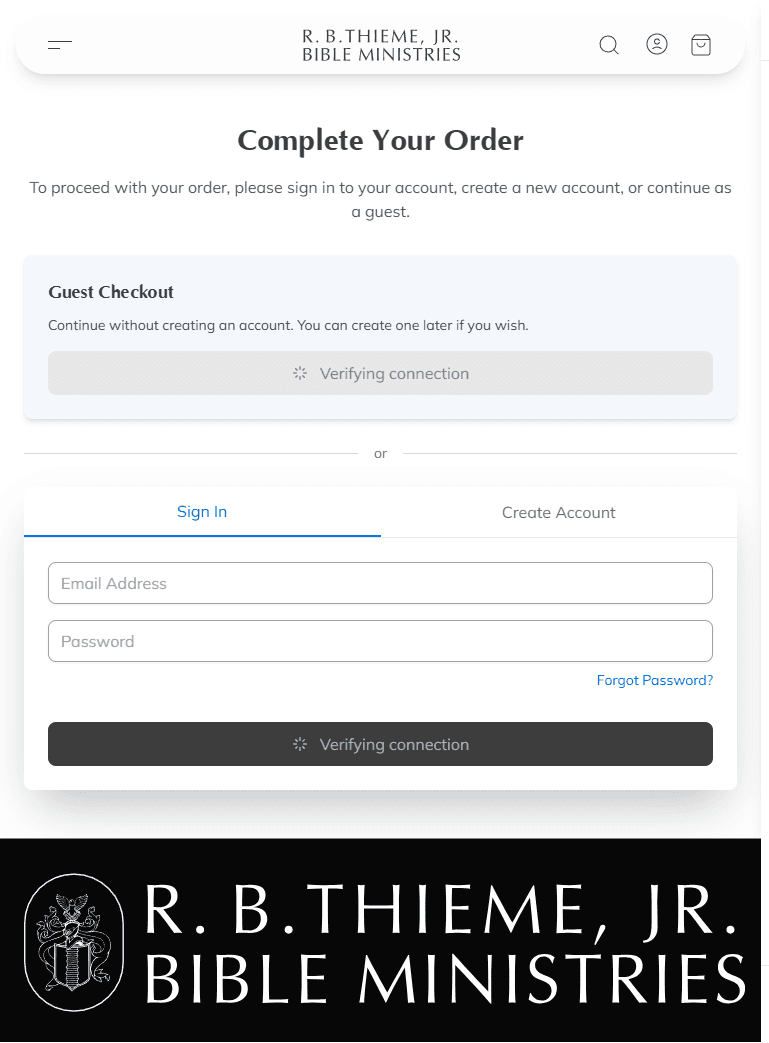
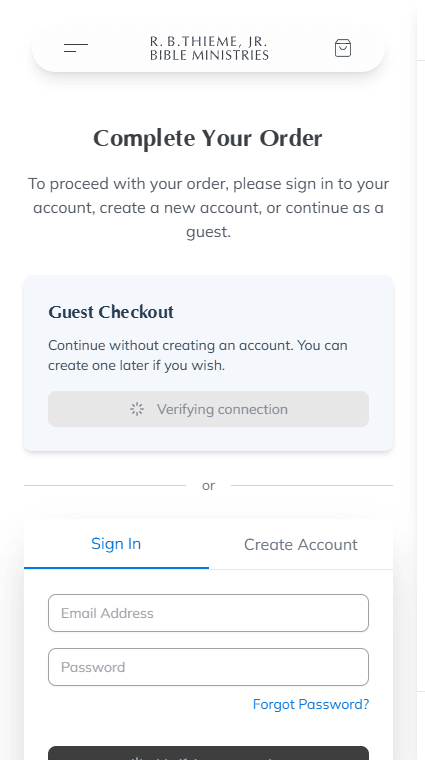
If you are not already signed in, you will first be asked to either:
- Continue as a guest by entering your email address
- Sign in to your existing account
- Create a new account
Delivery Options
On the checkout page, select how you want to receive your order:
- Ship to Address: We will mail your order to a shipping address. You can select a saved address or add a new one.
- Church Library Pickup: Pick up your order at the Berachah Church library before or after Bible class.
- T&P Box Pickup: Pick up your order from the T&P box outside of our offices in Houston, Texas.
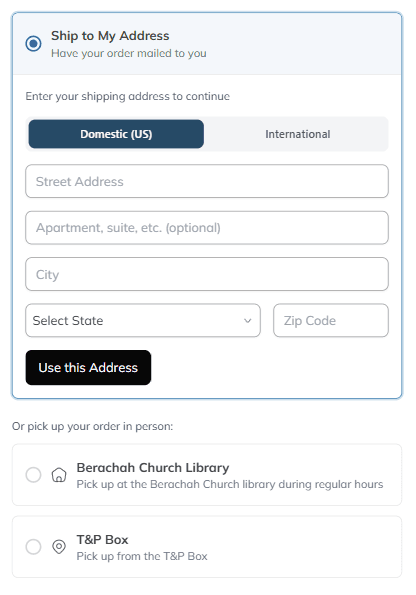
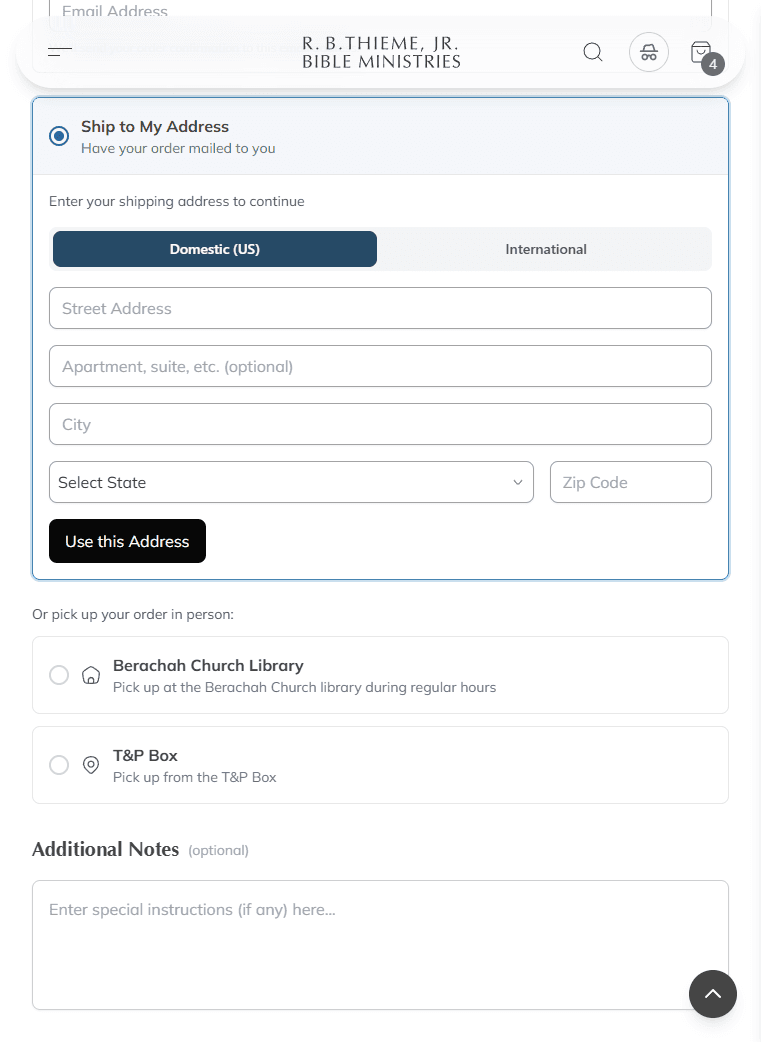
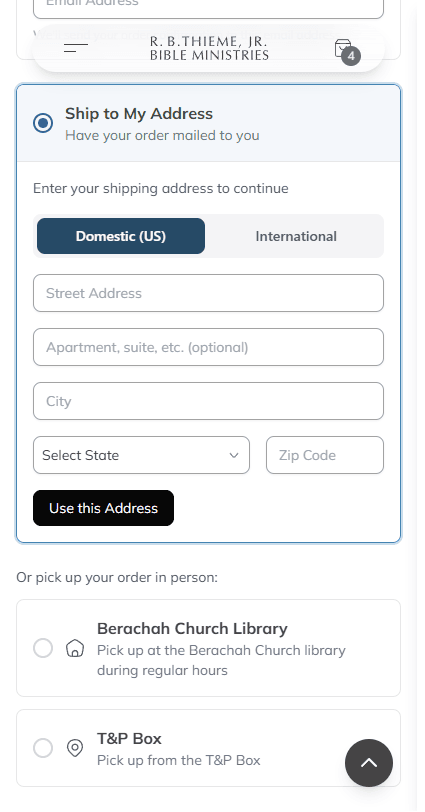
Adding a Shipping Address
If you choose to have your order shipped and do not have a saved address, you can add one during checkout. Enter your full shipping address including street address, city, state/province, postal code, and country.
Additional Notes
Before finalizing your order, you have the option to add notes or make special requests. This is helpful if you have specific instructions or questions about your order. You can also use this area to request additional materials in excess of your monthly order limit for a specific purpose, such as extra booklets for a memorial service.
Placing Your Order
After reviewing your order summary and delivery details, tap "Continue to Review Order" to see a final summary. If you are satisfied with your order, tap "Place Order" to submit it.
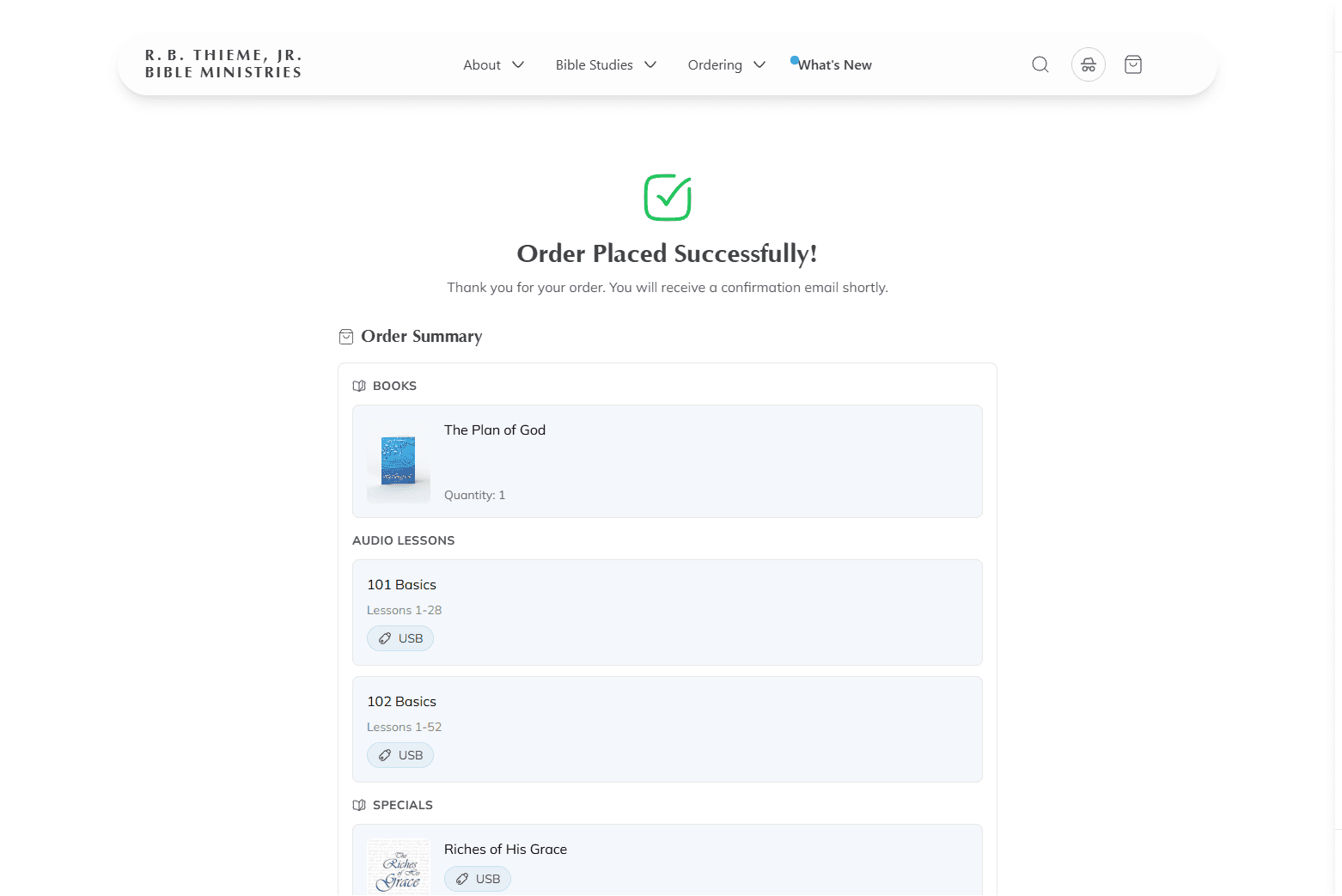
Order Confirmation
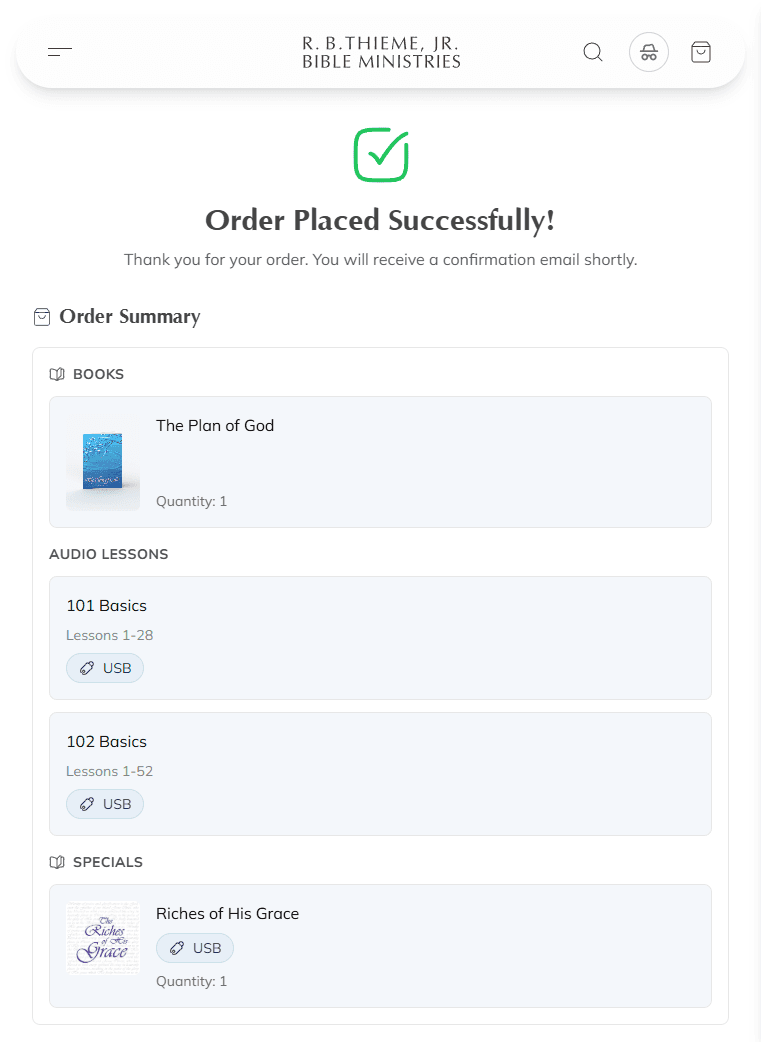
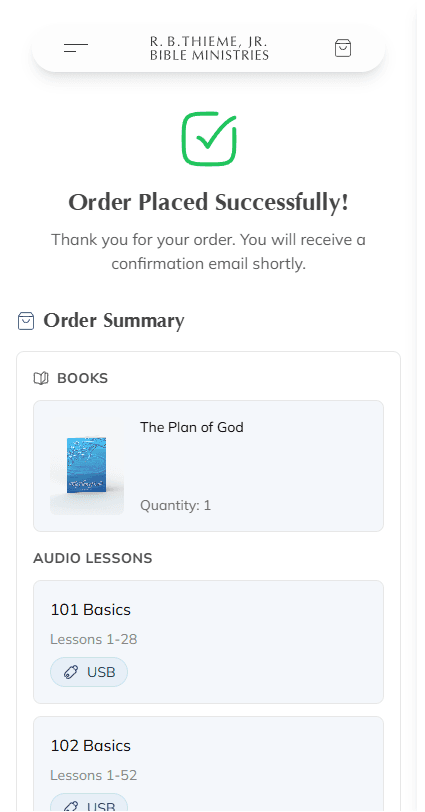
After placing your order, you will see a confirmation page with your order summary. An email confirmation will also be sent to the email address associated with your account or the one you provided during guest checkout.
Email Confirmation
Your confirmation email includes:
- A summary of the items you ordered
- Your selected delivery method and address (if applicable)
- Any notes you included with your order
You will receive another email confirmation once we have processed your order. We generally process orders once each business day (international orders are processed once a week). Though we do not offer tracking information for your order, rest assured that once you receive the "order processed" email, your order will be mailed out that business day (or will be ready for pickup by the next scheduled Bible class, if you have chosen that delivery option).
If we need to get in touch with you about your order, we will first try to call you if you have provided us with a phone number. If we are unable to reach you by phone, we will send you an email.
Questions?
If you have further questions about placing an order, please send us a message or call us at 713-621-3740. We are happy to help!